
Shree Win Deposit Pending
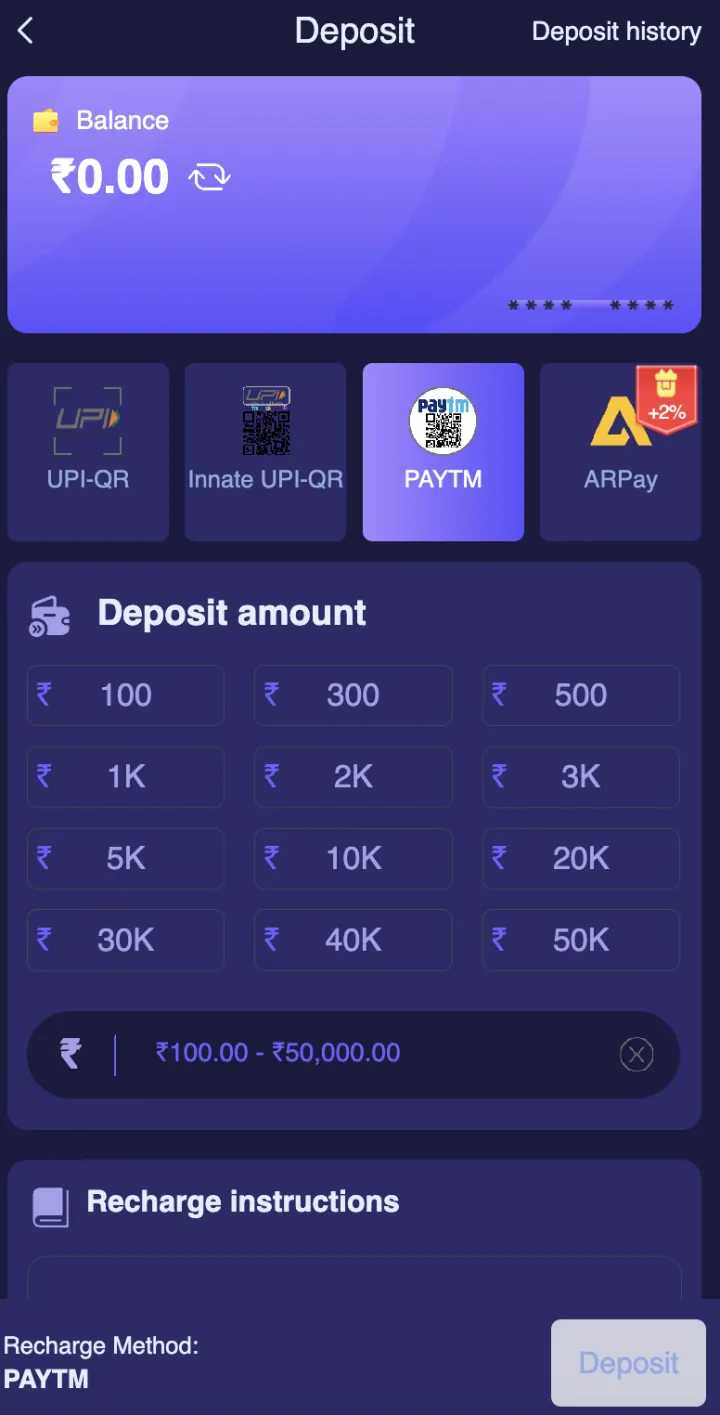
When money is debited but wallet balance is not updated, first compare the bank status, UTR and Shree Win Deposit History. Do not immediately repeat the payment.
Open all steps and details +
Before you continue
Confirm bank completion
Open your own payment app and check whether the transaction is successful, pending or reversed. A bank-side pending payment may still change status.
Check Deposit History
Match the same amount and approximate time. Note the order status shown inside Shree Win instead of relying only on wallet balance.
Send one clear support request
Provide user ID, amount, date, UTR and safe screenshots with private banking details hidden. Keep the complaint number.
Easy mistakes to avoid
- Making another deposit for the same amount.
- Posting the complete UPI screen publicly.
- Sending many complaints without one reference.
If the screen in front of you does not match these notes, slow down. The in-platform rule panel and Customer Service area are the right places to confirm a change.
Questions you may have
How long should I wait?+
Use the processing information shown in the current payment or support page because timing can differ by method.
What proof should I keep?+
Keep the amount, time, bank status, UTR and matching Deposit History entry.
Safety before anything else
Keep your password, OTP, UPI PIN, bank PIN, withdrawal password and screen-control code to yourself. Do not install an APK or screen-sharing app sent by an unknown person.
Paid gaming can cause financial loss. This content is for adults. Check the rules that apply in your state or location, use only affordable money and step away if you start chasing a loss.
The key points
When money is debited but wallet balance is not updated, first compare the bank status, UTR and Shree Win Deposit History. Do not immediately repeat the payment.
- Do not pay again immediately.
- Check bank and account history.
- Contact official support with reference.
See the payment checks +
Before you use this information
Payment screens need careful checking because a wrong amount or receiving detail can create a separate support issue. Keep the date, amount and safe reference number, but never send a PIN, password or full card details. This page puts the visible steps into plain language. Live terms, limits and account decisions can change, so this article cannot confirm a result, bonus, payment or private account status.
Start with Confirm bank completion and then look at Check Deposit History. Read the words beside the button, not just its colour or place on the screen. If your version uses a different label, check the in-platform help before you tap.
A simple way to check the page
Make sure you are in the right account area, game, payment tab or support option. Match the name, date, period, amount or status with the record you need. Then decide if anything important is still missing. When a key detail is unclear, waiting is safer than guessing.
Keep a short private note for this topic if you need one. Write the page name, date, game period, transaction reference or exact error message. Leave out your password, OTP, UPI PIN, bank PIN, CVV and full payment number.
When the current screen is different
Websites and apps can change their layout, available games, limits and offer wording. An older screenshot can help you recognise a general label, but it cannot prove that the same button, amount or rule is active today. Use the current screen and current terms as the final reference.
If the page shows an unexpected warning, a new permission request, a different domain or an urgent message, close it and verify the address separately. For account or payment problems, contact Customer Service from inside the account area. This guide cannot see your private status and cannot approve a request.
Quick checklist before you continue
- I checked the full website address and the correct account or game section.
- I read the current rule, limit, status or eligibility text.
- I matched the correct date, period, amount or reference.
- I am using my own account and my own contact details.
- I will keep my password, OTP and payment PIN private.
- I will not rely on a guaranteed prediction, fixed return or urgent chat claim.
- I know where to find Customer Service if the record does not match.
- I can stop without borrowing money or chasing a previous loss.
Keep the decision simple
Use this order: find the correct Shree Win screen, read the current information, check the detail that matters, and only then decide. A countdown, banner or chat message should not rush you. Close the screen and come back later if you feel pressured.
When you finish, check the matching history or settings page instead of trusting memory. A small private record helps you spot a wrong period, amount, status or support reply. Keep it on your own device and remove private screenshots before you share your phone.